yHomework - Math Solver2.581
Publisher Description
yHomework Math Solver just got better!
Having trouble with algebra?
Equations, inequalities and graphs leave you frustrated?
Tried to solve the problem but you're not sure you got it right?
Meet yHomework - the math solver that actually works 100% of the time!
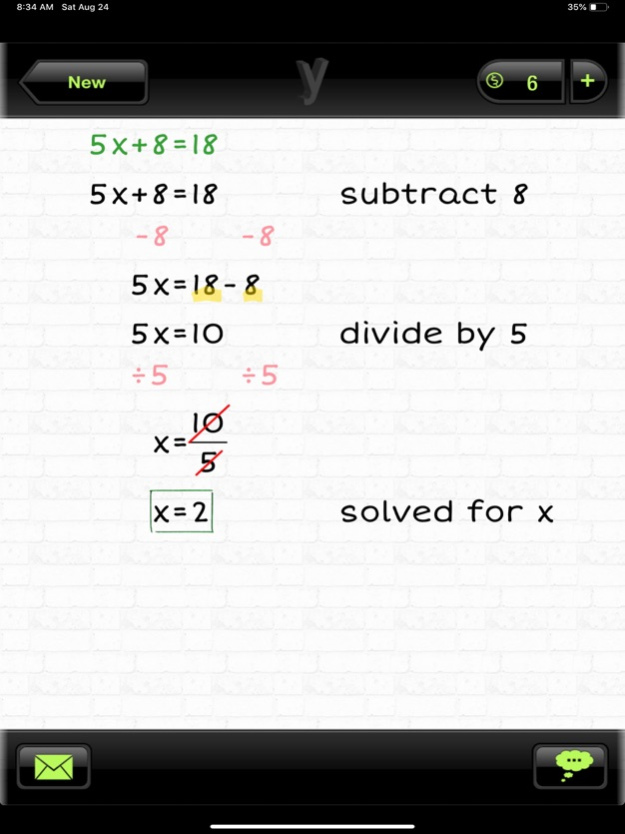
No gimmicks, no fuss, no excuses - we simply give you the an instant full step-by-step solution and explanation.
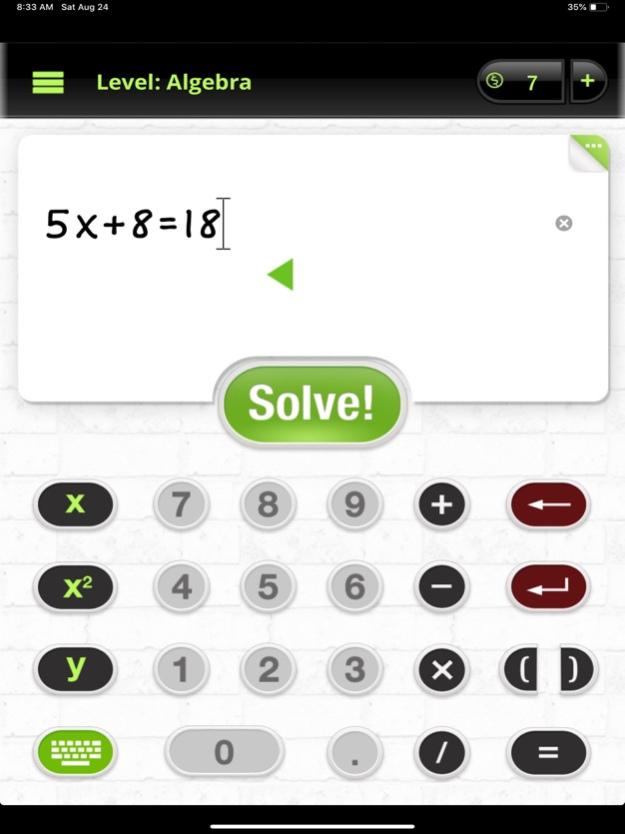
yHomework is an easy to use Math solver, just enter your question or equation, and the app will immediately give you the answer together with the full step-by-step solution!
Say you have: 3x+5=8
Not sure what to do next? Just type it into the app and get the step-by-step solution with just one click!
It's just that simple! 1.. 2.. 3.. and you're a math whiz!
3 MILLION USERS CAN'T BE WRONG! DOWNLOAD yHomework TODAY!
Current material covers:
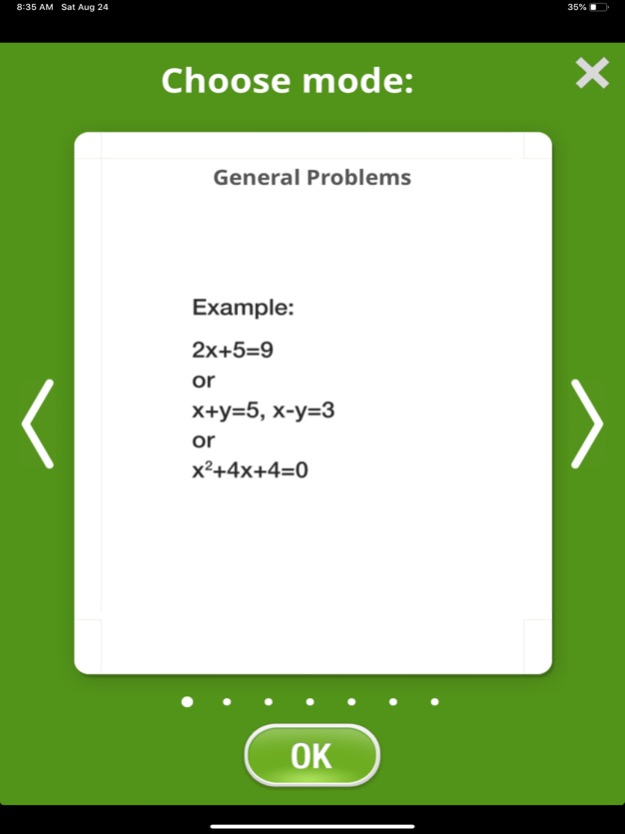
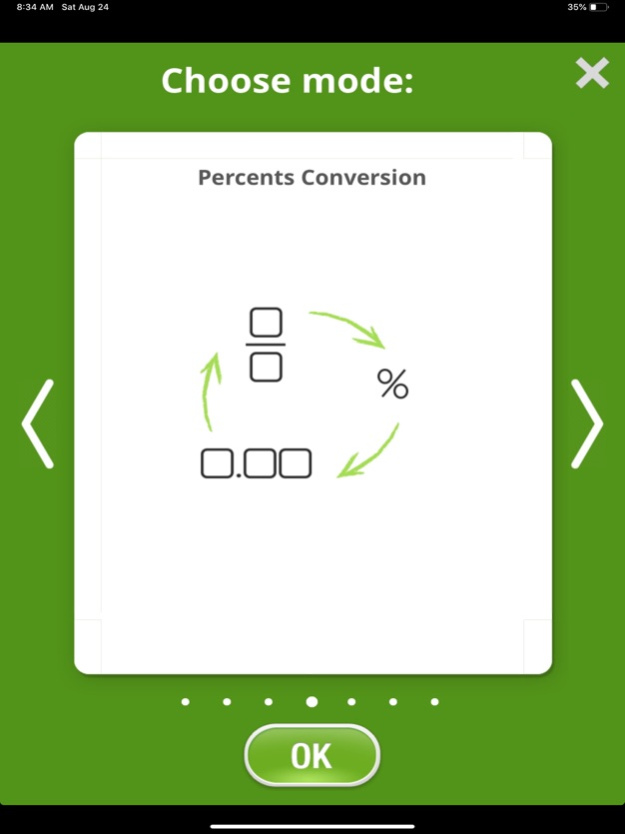
Simplification, single unknown equation, 2 equation sets, quadratic equations, Inequalities, absolute value, function graphs, prime factorisation and derivatives.
Questions? Comments? Contact us at: support@yhomework.com
Aug 26, 2019
Version 2.581
Minor stability and enhancements issues
About yHomework - Math Solver
The company that develops yHomework - Math Solver is Ram Nathaniel. The latest version released by its developer is 2.581.
To install yHomework - Math Solver on your iOS device, just click the green Continue To App button above to start the installation process. The app is listed on our website since 2019-08-26 and was downloaded 517 times. We have already checked if the download link is safe, however for your own protection we recommend that you scan the downloaded app with your antivirus. Your antivirus may detect the yHomework - Math Solver as malware if the download link is broken.
How to install yHomework - Math Solver on your iOS device:
- Click on the Continue To App button on our website. This will redirect you to the App Store.
- Once the yHomework - Math Solver is shown in the iTunes listing of your iOS device, you can start its download and installation. Tap on the GET button to the right of the app to start downloading it.
- If you are not logged-in the iOS appstore app, you'll be prompted for your your Apple ID and/or password.
- After yHomework - Math Solver is downloaded, you'll see an INSTALL button to the right. Tap on it to start the actual installation of the iOS app.
- Once installation is finished you can tap on the OPEN button to start it. Its icon will also be added to your device home screen.
Program Details
System requirements
Download information
Pricing
Version History
version 2.581
posted on 2019-08-26
Aug 26, 2019
Version 2.581
Minor stability and enhancements issues
